
12"x12" 1/8" | 3mm
What's in the Mega Variety Pack?

7x TruFlat Standard Series
Black, Linen, Maple, Oak, Walnut,White 2.0

3x TruFlat Natural Series
Cherry, Walnut, Maple with real wood veneer Eco-core MDF with UV lacquer coating.
12x12" 1/8" | 3mm

x1 Baltic Birch
Ideal for high quality projects.
Must be sealed with lacquer or varnish
12"x12" 1/8" | 3mm

x1 High Quality MDF
Ideal for prototypes or projects where painting is required.
12x12"

x1 TruFlat Paint
Pre-Primed MDF. Only 1 coat required! Ideal for projects that require painting.
12x12" 1/8" | 3mm

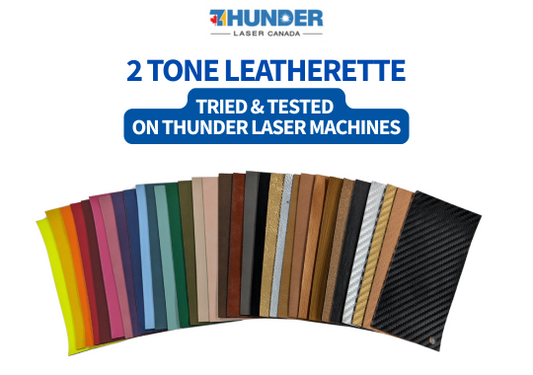
2 Tone Leatherette
Sample Pack for patches, labels and tags. Mix of popular colors includes a variety of thicknesses: 0.8mm, 1.2mm and 1.8mm.
3.5"x 6"

x3 Acrylic
For jewelry, keychains, displays & signage.
12x19" 1/8" | 3mm
Why Grab this Mega Variety Bundle?
Three materials, one order. Engrave, cut and layer across acrylic, leatherette and wood without placing three separate orders.
TruFlat lies flat. Engineered to sit flat on the laser bed, so you get fewer failed cuts and less wasted material.
Leatherette that engraves cleanly. Two-tone colours reveal a crisp contrast layer, which is great for patches, keychains, hat patches and tags.
Specialty acrylics. Glitter, crinkle and prism finishes that make jewelry, signage and ornaments stand out.
Great for:
- New laser owners building a starter material library
- Laser businesses testing new materials before buying in bulk
- Makers planning a mixed-material project (wood base, acrylic inlay, leatherette accents)
Local Laser Supply | We test it before we stock it.
Easy to cut on most laser cutter machines. Materials tests included to get your started!
Tested on Thunder Laser Machines
Ideal for UV Printing
Use the 'Print and Cut' feature in your laser software to easily UV Print on your laser wood, acrylic or leatherette.
Guaranteed Flat
TruFlat is engineered to be prevent warping and bending. Best stored flat.

We're not like other laser companies
We really know our lasers- in fact, we've spent the past 4 years selling Thunder Laser machines, and 10 years running Fuse33 Makerspace. During that time we've taught over 3000 members and over 600 laser customers how to use lasers.
We've truly 'seen it all' from conventional uses like swag and signage, to the most wild and unimaginable interactive art projects and costumes.
Our frequently trips overseas to Thunder Laser head office, allow us to stay on the cutting edge of what's available on the laser market for materials. We take pride in finding unique and interesting products, so your projects stand out!
Frequently Asked Questions
Answers to common questions about laser cutting and engraving different types of laser materials.
What types of laser wood do you offer?
We sell Truflat Standard and Natural series in 12x20" sizing 1/8 thickness
We also sell Baltic Birch and MDF in 1/8 and 1/4 thickness in various sizes.
Coming soon- solid wood
What types of acrylic do you offer?
We offer cast acrylic sheets in 12x19" in 3mm and 4mm thickness
We also sell 3M adhesive sheets which are ideal for projects with inset pieces or multiple layers.
Buy 3M adhesive
What types of leatherette do you offer?
We offer various leatherette textures and thicknesses, including soft, textured, and smooth finishes, carbon fiber, cork and more!
We offer 0.8mm material only options as well as 1.2mm foam backing and 1.8mm foam backing.
Felt backing or glow in the dark options available for special order. inquiries@locallasersupply.ca
Is the wood you sell suitable for laser engraving?
Yes, the wood sheets we carry are specially selected for laser engraving -that's our specialty! We choose suppliers that use high quality glues for precise and clean results, perfect for custom projects.
Our wood is ideal for engraving, paint or resin fills or UV printing
Is the acrylic you sell suitable for laser engraving?
Yes, our acrylic sheets are excellent for laser engraving with precise and clean results, perfect for custom projects.
In fact, many people enjoy engraving their acrylic and filling the engraving with paint or resin.
In fact, many people enjoy engraving their acrylic and filling the engraving with paint or resin.
Is the leatherette you sell suitable for laser engraving?
Our Leatherette sheets are excellent for laser engraving with precise and clean results, perfect for custom projects.
Should I keep the plastic masking on my acrylic when I laser engrave?
When you cut, you can keep the plastic masking on, however, another option we like to use, is the soap method (soap and water) One benefit of keeping the plastic on if it prevents fingerprints, dust and scratches. For cutting, your should have your air on.
If you engrave, you should remove the plastic masking. You can either use paper masking or use the soap and water method. For engraving your should turn your air off.
If you engrave, you should remove the plastic masking. You can either use paper masking or use the soap and water method. For engraving your should turn your air off.
Can I buy a sample of your laser woods?
Yes we sell a special "One time Only Deal: $75 for 11 laser woods including shipping anywhere in Canada.
How do I clean my laser wood after engraving or cutting?
TruFlat: a bit of dish or hand soap and on a damp microfiber cloth. You may find a damp cloth works just as well as soap and water.
Baltic Birch and MDF: a light sanding, isopropyl alcohol or white vinegar can assist in removing smoke marks on your wood.
How do I clean my leatherette after engraving or cutting?
Just use LA Awesome of Zep and a microfiber cloth.
Make sure to do a materials test beforehand to ensure you don't overburn your engraving (this makes it harder to clean especially on lighter colors).
Do you have more colors or sizes of laser wood other than what I see?
If you don't see the size you want on our site, we can pre-order or custom cut some you some!
What settings should I use on laser wood?
All of our laser wood sheets come with a materials test done on a 30w RF Thunder Laser Bolt machine. The settings for cutting 3mm acrylic will in the same ballpark as 3mm Baltic birch or MDF: somewhere between 7-12 speed/and 90-95 power.
To deduce settings for your machine wattage use this chart or (ideally) run Materials Test in LightBurn.
Use low/no air for engraving.
To reduce smoke spots, turn on your air 15 seconds BEFORE you start engraving in your machine settings.
Link: Article here.
What settings should I use on acrylic?
All of our acrylic sheets come with a materials test done on a 30w RF Thunder Laser Bolt machine. The settings for 3mm acrylic will in the same ballpark as 3mm Baltic birch or MDF.
To deduce settings for your machine wattage use this chart or (ideally) run Materials Test in LightBurn.
Use low/no air for engraving.
To reduce smoke spots, turn on your air 15 seconds BEFORE you start engraving in your machine settings.
Link: Article here.
What settings should I use on leatherette?
All of our leatherette comes with a materials test done on a 30w RF Thunder Laser Bolt machine.
To deduce settings for your machine wattage use this chart or (ideally) run Materials Test in LightBurn.
Use low/no air for engraving.
To reduce smoke spots, turn on your air 15 seconds BEFORE you start engraving in your machine settings. Link: Article here.
Related Products
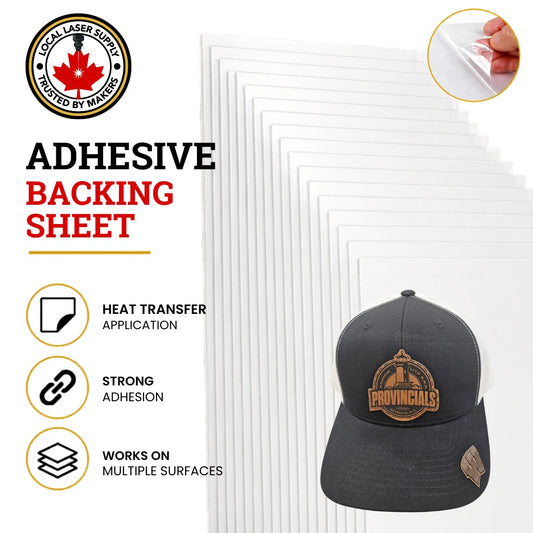
Add Heat Transfer Adhesive to Faux Leatherette
This adhesive is sticky ideal for placing on curved surfaces...
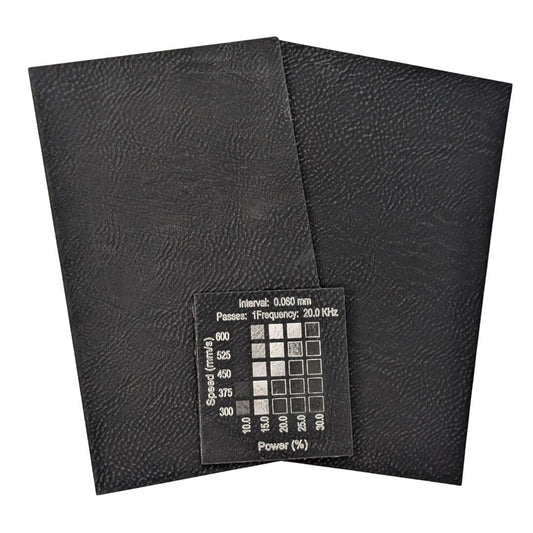
Black Silver Faux Leatherette Laserable Sheets | Best Selection & Backing Options
Black Silver Faux Leatherette Laserable Sheets | Premium Material for...
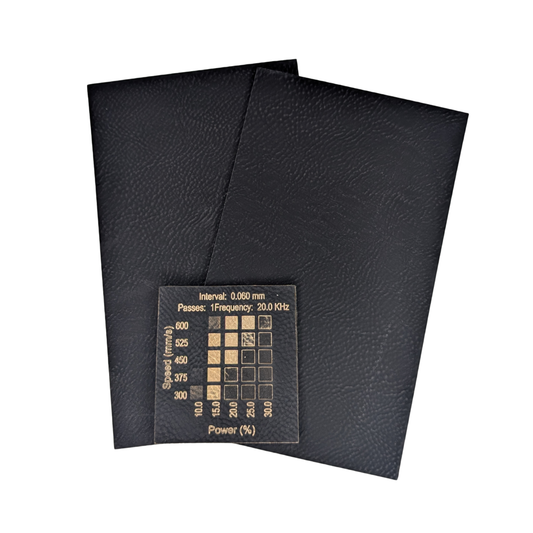
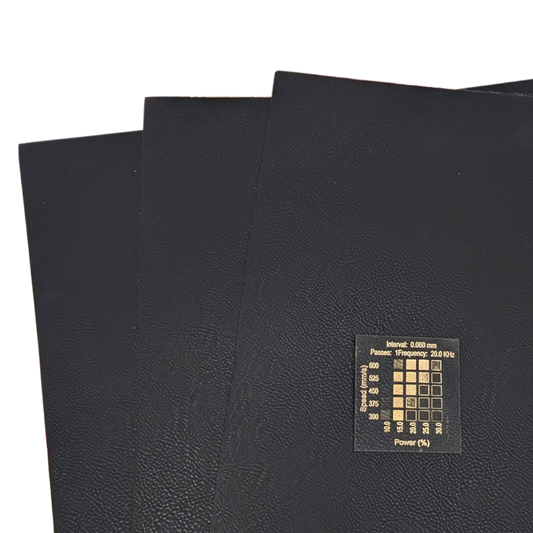
Black Gold Faux Leatherette Sheets for Laser Engraving
Black Gold Faux Leatherette Sheets for Laser Engraving Get the...
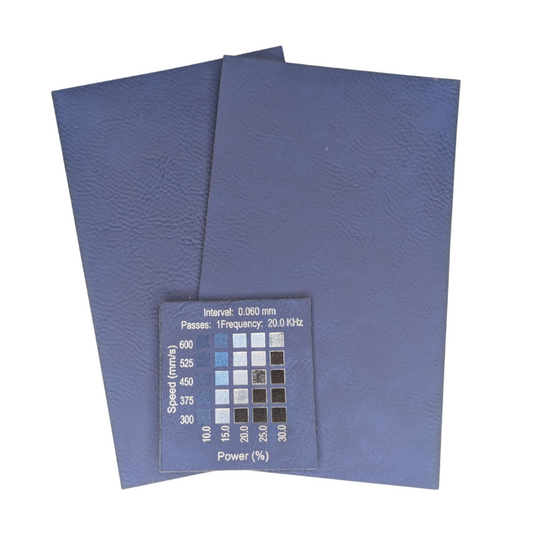
Blue Silver Faux Leatherette | Laser Engraving Patches Material| Local Laser Supply Canada
Blue Silver Faux Leatherette Laserable Sheets – for Laser Engraving...
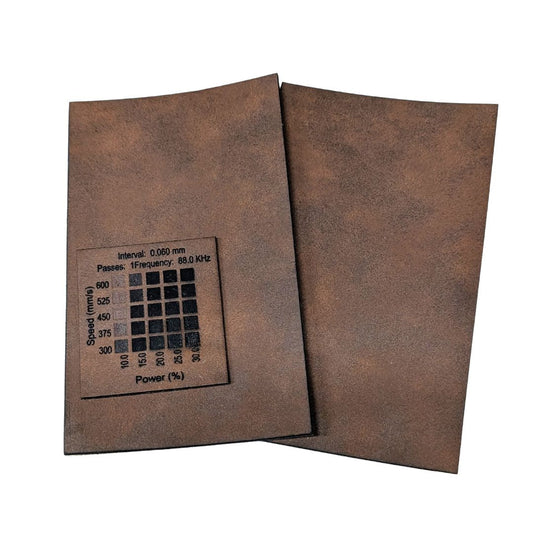
Matte Dark Brown Faux Black Leatherette Laserable Sheets | Local Laser Supply Canada
Matte Dark Brown Black Faux Leatherette Laserable Sheets Get the...


